
Collaborative playlists for bands: a practical guide
Published · Updated
Use collaborative playlists to share references, plan sets, and discuss direction—while keeping song files, decisions, and versions in the right system.
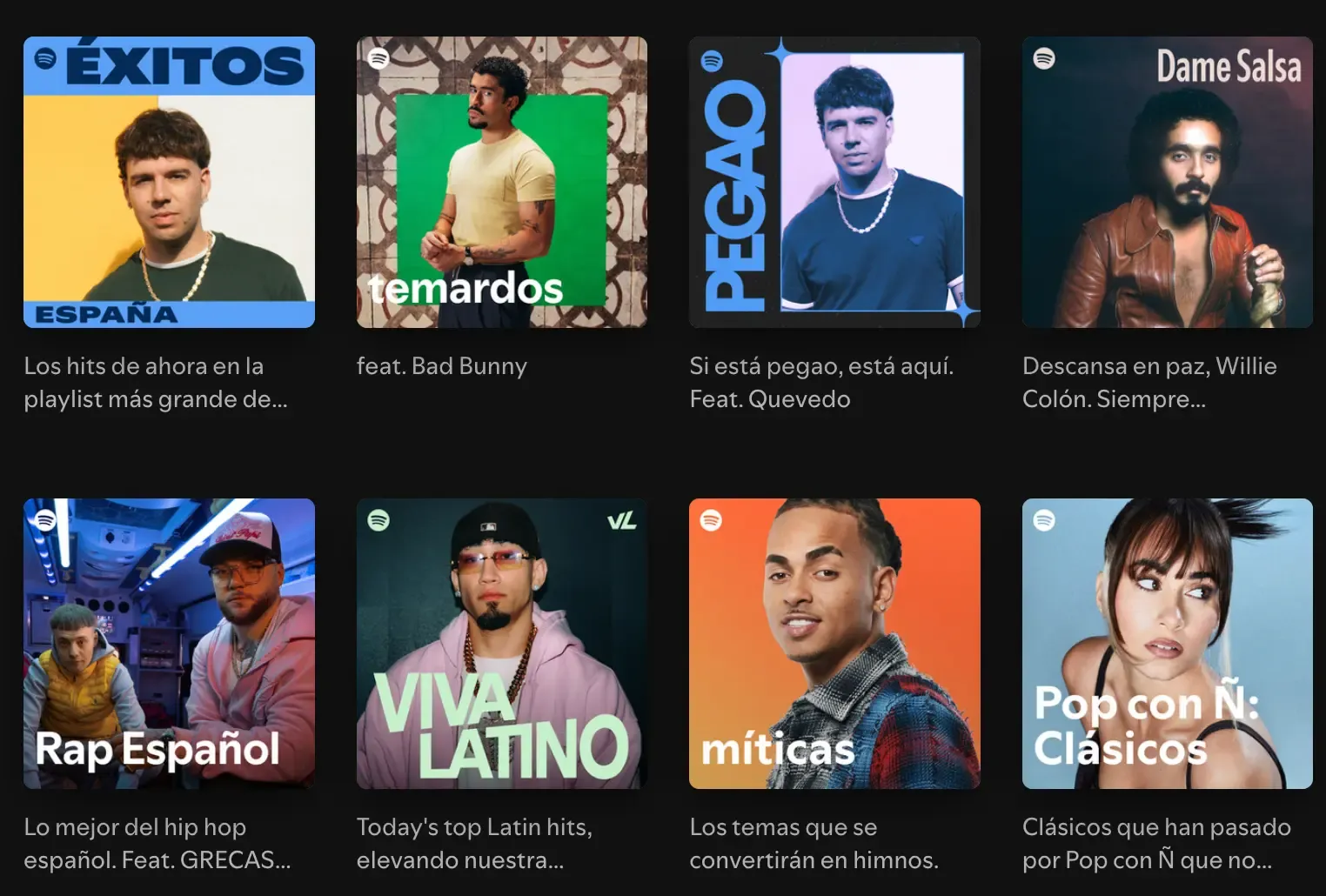
A collaborative playlist is useful when a band needs to gather listening references in one place. It can help define a new song’s direction, compare arrangements, prepare break music, or propose material for a set.
Keep the listening references in the playlist and the band’s own demos, lyrics and decisions in the song project. A short note connects each reference to the part you want to try.
Four useful playlist types
1. Direction playlist
Create one for a song, EP, or writing period. Every track must demonstrate a named quality: vocal intimacy, drum space, chorus lift, guitar texture, or lyrical point of view.
Do not add a track merely because someone likes it. Add a note in the song project explaining what should be heard.
2. Arrangement playlist
Use tracks that solve a specific structural problem: short introductions, bridges without new harmony, sparse second verses, or endings that avoid another full chorus.
Keep this list small. Its purpose is comparison, not a genre survey.
3. Repertoire or set-candidate playlist
For a covers or event band, a collaborative playlist can collect candidates before the final set is selected. Once a song is approved, move key, arrangement, owner, and rehearsal status into the band’s operational system.
4. Shared discovery playlist
This can be open-ended and social. It helps members learn one another’s taste, but it should not be confused with an active writing brief.
Set rules before inviting people
A playlist becomes noisy when nobody knows its purpose. Define:
- who can add or remove tracks;
- maximum number of additions per person;
- whether duplicates are allowed;
- what each track must demonstrate;
- when the list will be reviewed;
- where decisions are recorded.
In Spotify, open the playlist menu, choose Invite collaborators and share the invitation link with your band. See Spotify’s instructions. If some of the band use Apple Music or YouTube Music, the comparison of music streaming apps with social features explains how their shared playlists work.
Use comments outside the playlist when necessary
A track title cannot explain why it matters. In the song project, write:
- track and timestamp;
- element to study;
- whether the reference is positive or negative;
- decision it may affect.
Example:
Reference: first chorus at 0:58. Notice how the arrangement gets wider without adding another chord. Test that principle in our chorus; do not copy the instrumentation.
References should clarify an intention, not become instructions to imitate a recording.
Review the playlist as a band
Use a short review:
- each member selects the strongest reference they added;
- the band identifies the shared qualities;
- contradictions are named;
- two or three principles are written into the project;
- tracks that no longer help are removed or archived.
The output is a brief, not a longer playlist.
Turn three references into one rehearsal decision
Choose three tracks: one for the verse, one for the chorus and one for the ending. Beside each link, write a timestamp and a single thing to test. For example: keep the verse to voice and guitar, bring bass in on the first chorus word, then finish on the title without repeating the chorus. At rehearsal, record that arrangement once and decide which of the three ideas to keep.
Keep the playlist separate from the song record
Keep the playlist link inside the relevant song or band project with a sentence explaining its purpose. Store the band’s own recordings, notes or lyrics, files, and discussion around the song itself. The playlist remains a source of references; the project remains the record of decisions.
For the wider workflow, see apps for bands and what each tool should own and how to write a song as a band.
A collaborative playlist is successful when it reduces ambiguity about direction—not when it contains the largest number of songs.