
Music organizer software for artists: 2026 comparison
Published · Updated
Compare software to organize your own songs, versions, stems, lyrics and catalog, plus free taggers for an MP3 library. Prices checked in September 2026.
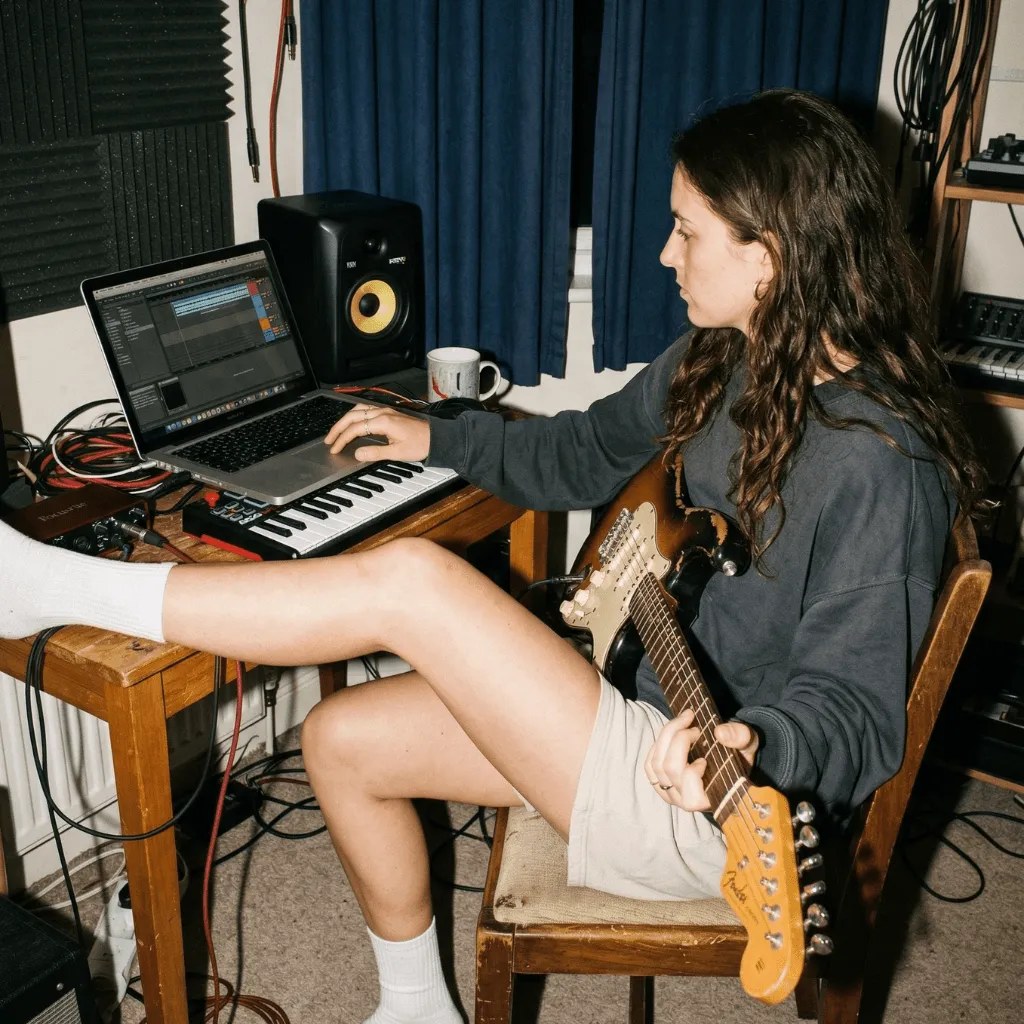
The best software to organize music depends on which music you mean. For your own songs in progress (demos, versions, stems and lyrics), choose a tool built around the song or the track. Zoundroom keeps each song as a project with its recordings, lyrics, notes and files. Highnote is strongest for comparing versions and collecting timestamped feedback. [untitled] is built for listening to and sharing unreleased tracks, Offtop for searching a big beat library by BPM and key, and DISCO for a finished catalog you pitch to others. If you mean an MP3 collection with messy tags, you need a tagger instead: MusicBrainz Picard, Mp3tag or MusicBee.
Every price, free plan and platform below comes from official pages, store listings and documentation checked on September 27, 2026. The comparison looks at what each product documents, measured against five criteria; it is not a lab test. For the organizing method itself (capturing ideas, one home per song, statuses and a weekly review), read the companion guide on how to organize your music. This article covers only the software.
Library or work in progress: two different jobs
“Organize music” covers two jobs that rarely share a tool.
A music library organizer deals with finished recordings you listen to: albums you ripped, MP3s you bought, tracks you play as a DJ. Its work is metadata: artist and album tags, track numbers, cover art, file names and folders. The audio does not change; its labels do.
A work-in-progress organizer deals with music that is still moving: which take of the chorus is current, which lyric goes with which demo, where the stems of the third mix are, what the drummer said about the bridge. The unit is the song or the track, and everything about it should stay attached to it.
A quick way to tell which one you need:
- If most of the files were made by other artists, you need a library tool. Skip to the MP3 library section below.
- If most of the files are yours and unfinished, you need a work-in-progress tool.
- If they are yours and finished, and they go out to labels, music supervisors or a manager, you need catalog software.
Comparison table: music organizer software in 2026
| Software | Best for | Platforms | Free plan | Paid from |
|---|---|---|---|---|
| Zoundroom | Work in progress: each song as a project with recordings, lyrics, notes and files | iOS, Android, web | Yes: 2 projects and 5 items | Pro €7.99/month or €59.99/year |
| Highnote | Work in progress: versions and timestamped feedback | Web, iOS, Android | Starter: 15 tracks, 50 GB | Indie $4.99/month |
| [untitled] | Work in progress: listening to and sharing unreleased tracks | iPhone, web, Android | Free to download | Membership $7.99/month or $49.99/year |
| Offtop | Catalog: finding beats and songs by BPM, key and mood | Web, mobile app | None listed; free trial | Pro $70/year |
| DISCO | Catalog: sharing and pitching finished tracks | Web, iOS, Android | None listed; trial | Artist from $10.80/month, billed annually |
| MusicBrainz Picard | Library: matching tags and renaming finished files | Windows, macOS, Linux | Free and open source | No paid plan |
| Mp3tag | Library: batch-editing tags | Windows, macOS | Free download on Windows | Mac version $24.99 |
| MusicBee | Library: managing and playing a collection | Windows | Free | No paid plan |
Dollar prices come from each official page or from the US App Store; stores in other countries show local prices.
The criteria behind this comparison
Feature lists look alike. These five criteria separate the tools better:
- Main object. Is the tool built around a song, a track, a playlist or a file? Pick the object you actually try to find again.
- Current version. Can you see which version is the reference without playing all of them?
- Context next to the audio. Do lyrics, notes, feedback and files stay attached to what they describe?
- The right device at the right moment. The phone when an idea arrives; a computer when you compare and sort at length.
- A way out. Can you download your audio in a usable format before you import a whole catalog?
Songs in progress with lyrics and recordings: Zoundroom
Zoundroom is built for the stage where a song exists in pieces: a voice memo of the chorus, a newer take with a different ending, a lyric that changed yesterday and a chord chart saved as a PDF. Each song is a project that keeps those recordings, lyrics, notes and files together, and you can record inside a note, so a new melody lands right next to the line it belongs to. Inside the project, the «All», «Audios», «Notes» and «Files» tabs split the material, each take can carry a section tag such as Verse, Chorus or Bridge, the project’s search finds a take by name or tag, and the private «What this project is about» card keeps where the song stands, from «I still don’t know what this is» to «It’s going to be released». It fits from the first demo worth keeping until the song moves into a DAW session for production, and again whenever the lyric or the arrangement changes. Next action: create a project for the song you are working on this week, import its latest demo and the take before it, paste the current lyric into a note and record the alternative chorus from inside that note.
Pro is the step where Zoundroom becomes the home of all your songs. Free allows 2 projects and 5 items, enough to try it with the song you are finishing; Pro holds up to 1,000 projects and 10,000 items, imports PDF chord charts, adds custom tags and comments at the exact second, and shares each project with up to 4 people. Pro costs €7.99 a month or €59.99 a year and is 7 days free on iPhone and on the web; Band costs €19.99 a month or €149.99 a year for up to 7 people under one subscription. The same account works on iOS, Android and the web. Plans are on the pricing page, and the project organization page shows how a song project is laid out.
Choose it if: your songs are scattered across voice memos, a notes app and group chats, and you want the words and the audio of each song in one place, on your phone and in the browser.
Limit: the production session and its stems stay in your DAW.
Versions and feedback on mixes: Highnote
Highnote organizes audio around tracks, versions and shared spaces. Its official pricing page lists time-stamped notes, voice comments, version nesting, audio polls, file attachments, lossless streaming and permission controls on every plan, including the free Starter plan with 15 total tracks and 50 GB of storage. Indie costs $4.99 a month for 500 tracks and 1 TB; Studio costs $19.99 a month for unlimited tracks and 5 TB. Highnote announced its iOS and Android apps, together with an updated web app, in September 2025.
Choose it if: the next decision depends on several people hearing the same second of two mixes, for example whether the vocal still sits on top when the guitars enter in the last chorus.
Limits: the free plan stops at 15 tracks in total, which covers an EP in review but not a catalog. It is built for listening and review, so the lyric draft and the notes for your next writing session will probably live somewhere else.
Listening to and sharing unreleased tracks: [untitled]
[untitled] describes itself on its App Store listing as a place to listen to, share and organize work-in-progress music. Tracks go into projects and folders synced between iPhone and the web; you share links, see who listens and manage access to each project. The listing also mentions recording, pitch and speed adjustment, AI stem splitting and an offline mode. The app is free to download. Membership costs $7.99 a month or $49.99 a year on the US App Store, and there is an Android version on Google Play.
Choose it if: you want to live with an EP’s running order on your phone, reorder it after a week and send a private link to the three people whose opinion matters.
Limits: it is listening-first. Its listing does not describe lyric writing or task notes, so the words that are still changing will stay in another app. For private links and leak risks in general, see how to share unreleased music privately.
A searchable beat and song catalog: Offtop
Offtop is for producers and artists whose library has outgrown their memory. Its official site describes folder sync and Dropbox import, automatic tags for BPM, key, genre, mood and instrument, version control, and stems attached to shared files. Share links can carry artwork, passwords and permissions, and you see opens, plays and downloads. There is also a mobile studio for recording and writing lyrics. Offtop Pro costs $70 a year with a free trial; the site does not list a free plan.
Choose it if: you have hundreds of beats called things like beat_final_2 and you remember the tempo and mood you need better than the file name.
Limits: only an annual price is listed, so after the trial it is a yearly commitment. Automatic tags are a starting point: confirm the BPM and key of the files you rely on before you send them to a vocalist.
A catalog you pitch to others: DISCO
DISCO is catalog software for music that is finished and needs to travel to music supervisors, labels, publishers or a manager. Its pricing page lists an Artist plan from $10.80 a month, billed annually, with unlimited files and tracks, unlimited playlists, advanced playlist stats, WAV to AIFF conversion, autotagging and two user seats, meant for you and your manager. The Plus, Pro and Enterprise plans add features for teams and companies. There are iOS and Android apps besides the web, and you can start with a trial.
Choose it if: your finished tracks go out in playlists to people who decide whether to use them, and you want to know who actually listened.
Limits: it starts where the song is finished, so it does not replace a place to develop songs. It is also billed annually. If by “catalog management” you mean registering works and collecting royalties, that runs through copyright offices and collecting societies, covered in how to copyright and register a song and songwriting royalties explained.
Organizing an MP3 library: Picard, Mp3tag and MusicBee
If your problem is a collection of finished recordings with wrong or missing tags, these three are well documented and free or cheap:
- MusicBrainz Picard: a free, open-source tagger (GPL) for Windows, macOS and Linux. It identifies files by their sound with AcoustID fingerprints, looks them up in the MusicBrainz database, fetches cover art, and renames and moves files with its own scripting language. Choose it when you want your tags to match a public database.
- Mp3tag: a tag editor for batch changes across many files and formats, including MP3, FLAC, WAV and ALAC, with renaming from tags, cover art and imports from Discogs and MusicBrainz. It is a free download on Windows (the developer asks for donations). The Mac version costs $24.99 on the Mac App Store, and the developer’s site offers a seven-day trial that only counts the days you use it.
- MusicBee: a free music manager and player for Windows 7 to 11, with auto-tagging to clean up a messy library. Choose it when you want to organize and listen in the same program.
What about a cloud drive, Notion or your DAW?
A cloud drive stores everything, but a folder does not know which take is current or where the lyric lives; see how far folders go in Google Drive for bands and song projects. Notion can hold lyrics and song databases, with the limits covered in Notion for songwriters. Your DAW stays the home for sessions and stems while you produce. To clear hundreds of phone recordings first, start with organizing voice memos for songwriting; to choose a capture app, see the best apps to capture and organize song ideas.
Which one to choose if…
- You write songs with lyrics and keep losing which demo goes with which words: Zoundroom.
- You mix or produce and need precise feedback on two versions: Highnote.
- You want to hear an EP in order on your phone and share it privately: [untitled].
- You are a producer with hundreds of beats and stems: Offtop.
- Your finished tracks go out to supervisors, labels or a manager: DISCO.
- Your MP3 collection has wrong tags: MusicBrainz Picard on any computer, Mp3tag for batch edits, MusicBee on Windows if you also want a player.
- You work mostly on Android: Zoundroom, Highnote, [untitled] and DISCO all have Android apps. On Linux, Picard runs natively and the web-based tools open in a browser.
Many artists end up with two tools: one for songs in progress and one for a specific job such as mix review or pitching.
A 15-minute test with one of your songs
Pick one unfinished song and gather its current demo, an earlier take, the lyric and, if you have them, the stems of the latest mix. Give each candidate the same five tasks, about three minutes each:
| Task | What to look for |
|---|---|
| Add the current demo and the earlier take | Can you tell them apart without playing both? |
| Put the lyric, or a link to it, with the song | Can you read the words while the demo plays? |
| Add the stems or the latest bounce | Is it clear which version they were exported from? |
| Ask one collaborator one specific question | Can they find the right moment and answer there? |
| Open the song on your second device and download one file | Is it the same song, and does the file work elsewhere? |
The tool that makes your most frequent task easiest wins. Move the rest of your songs only after the first one works.
Frequently asked questions
What is the best software for music catalog management?
It depends on what the catalog is for. To pitch finished tracks to supervisors, labels or a manager, DISCO is built for that job. To search a large beat library by BPM, key and mood, look at Offtop. For unreleased songs still in development, a project-based tool such as Zoundroom keeps the lyric and the takes with each song.
Is there free software to organize music?
Yes. For a library, MusicBrainz Picard (Windows, macOS and Linux), MusicBee (Windows) and Mp3tag on Windows are free. For work in progress, Zoundroom Free covers two song projects, Highnote Starter up to 15 tracks, and [untitled] is free to download, with a paid membership.
How should I organize the stems and versions of a song?
Keep stems with the song and the version they came from, not in a general “stems” folder. Name each bounce with the song, the version and the date; the song file name generator builds consistent names for you. Highnote nests versions of a track, Offtop attaches stems to shared files, and Zoundroom keeps imported audio inside the song’s project, while the multitrack session itself stays in your DAW.
Can one app organize both my MP3 library and my own songs?
Not well. Library tools edit tags on finished files; work-in-progress tools keep context around unfinished ones. Use a tagger such as Picard or Mp3tag for the collection you listen to, and a project tool for the songs you are still writing.
Should I move my whole archive at once?
No. Start with the songs you are working on now and bring older material over when you return to it. Before importing a large catalog into any service, check that you can download your files again in a format you can use elsewhere.
Sources
Official pages, store listings and documentation checked on September 27, 2026:
- Highnote: plans and pricing
- Highnote: launch of the iOS and Android apps
- [untitled] on the US App Store: features and membership prices
- [untitled] on Google Play
- Offtop: official site, features and Pro pricing
- DISCO: pricing and plans
- MusicBrainz Picard: official site
- Mp3tag for Windows: official site
- Mp3tag for Windows: download page
- Mp3tag for Mac: download and trial
- Mp3tag on the Mac App Store
- MusicBee: official site